The Tips · Troubleshooting
Something not working?
Find your issue below, and if a bay won't cooperate, take any open bay.
Please don't unplug anything or try to fix hardware. Fire or medical emergency, call 911 first.
My door code doesn't work Urgent
- Check you're within your booking window.
- Re-enter the code slowly.
Still locked out? Call 305-990-0424 right away. We'll get you inside.
Trackman is frozen or won't load
- If Trackman still responds to taps, open the menu in the bottom-right corner and tap Exit, then skip to step 4.
- Not responding? Put a finger just below the screen and drag up onto it. A toolbar appears; tap the Windows logo on it.
- Press and hold the Trackman icon on the toolbar, then tap Close window.
- Open Trackman Performance Studio again: double-tap its icon on the desktop. Give it a minute to load.
- Still stuck? Restart the computer from the touchscreen: tap the Windows logo in the bottom-left corner, then the power icon, then Restart. The bay comes back in about two minutes.
- Still stuck? Call Trackman support using the button below. Say you're a member at The Tips Golf in Miami. They can fix most things from their end.
My shots aren't registering
- Put your ball inside the hitting zone and play a plain white ball, no markings.
- If still not registering, open Settings, tap Calibrate, then choose Auto Target. It takes a few seconds.
- Still stuck? Call Trackman support using the button below.
In-game malfunctions
- Exit to the Trackman main menu, then reopen the course or game.
- If it happens again, call Trackman support using the button below.
The touchscreen is black or frozen
- Tap it a few more times. The computers sleep between sessions.
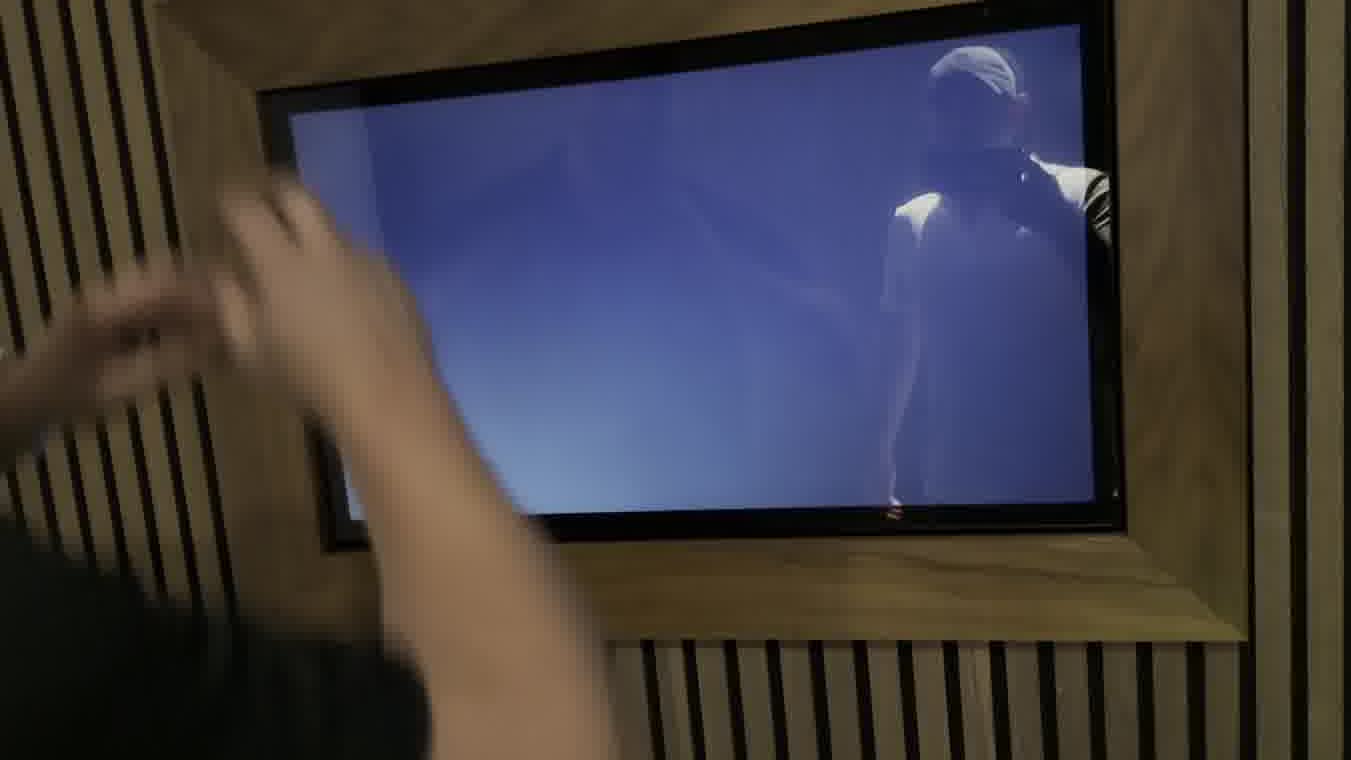
- If you land on a menu instead of golf, open Trackman Performance Studio from it.
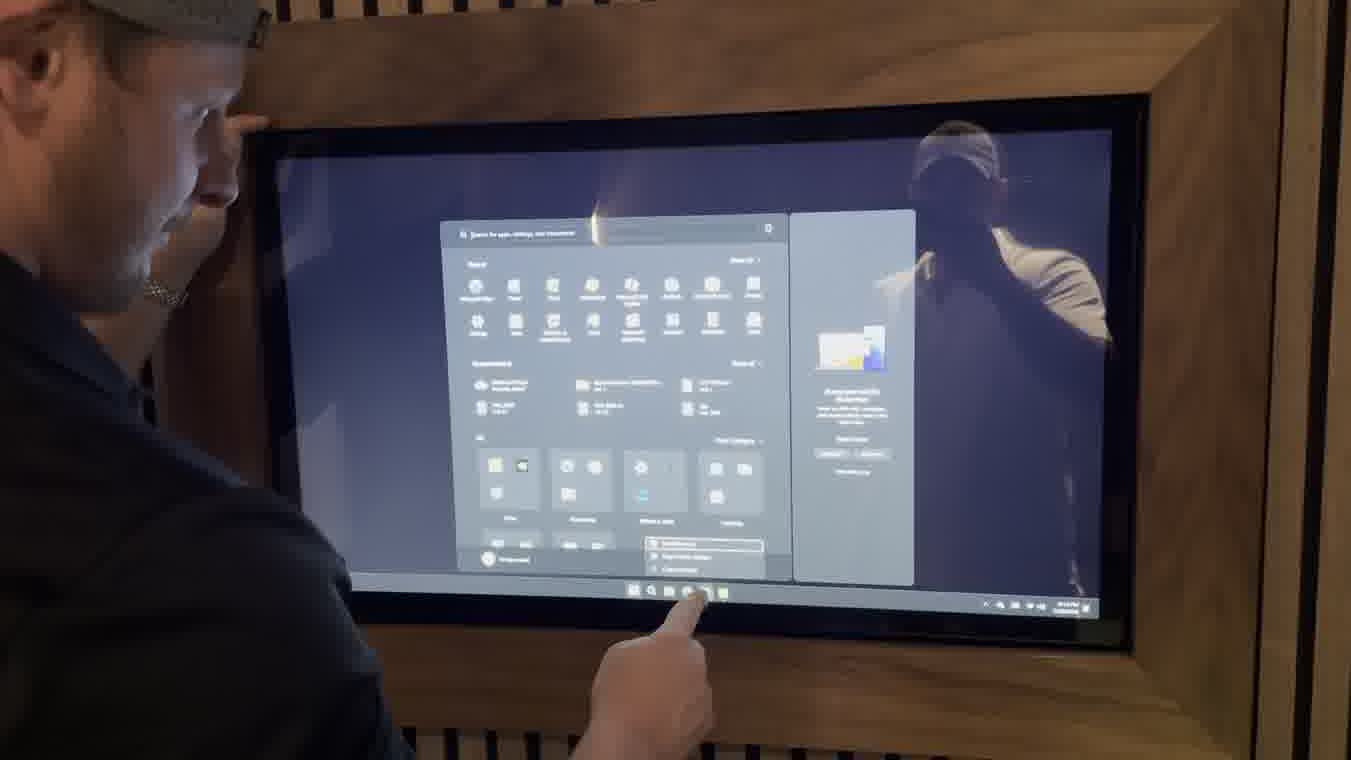
- Still black? Move to any open bay and call 305-990-0424.
The projector screen is dark or blue
- Grab the projector remote from its case.
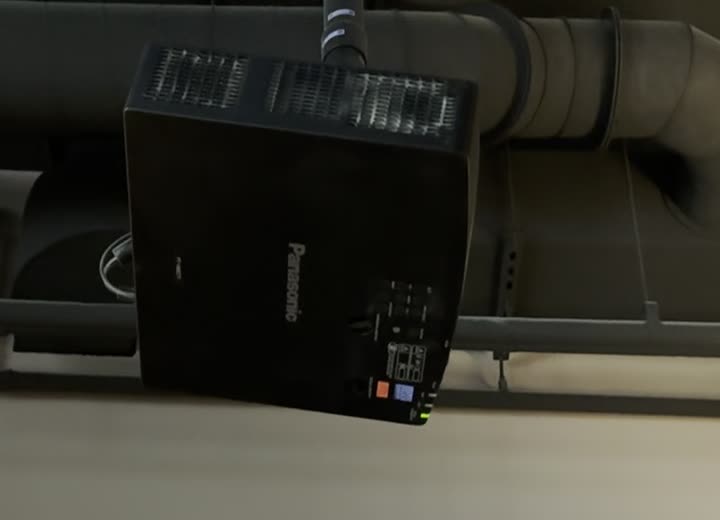
- Point it up at the projector and press Power once. Don't change any inputs.
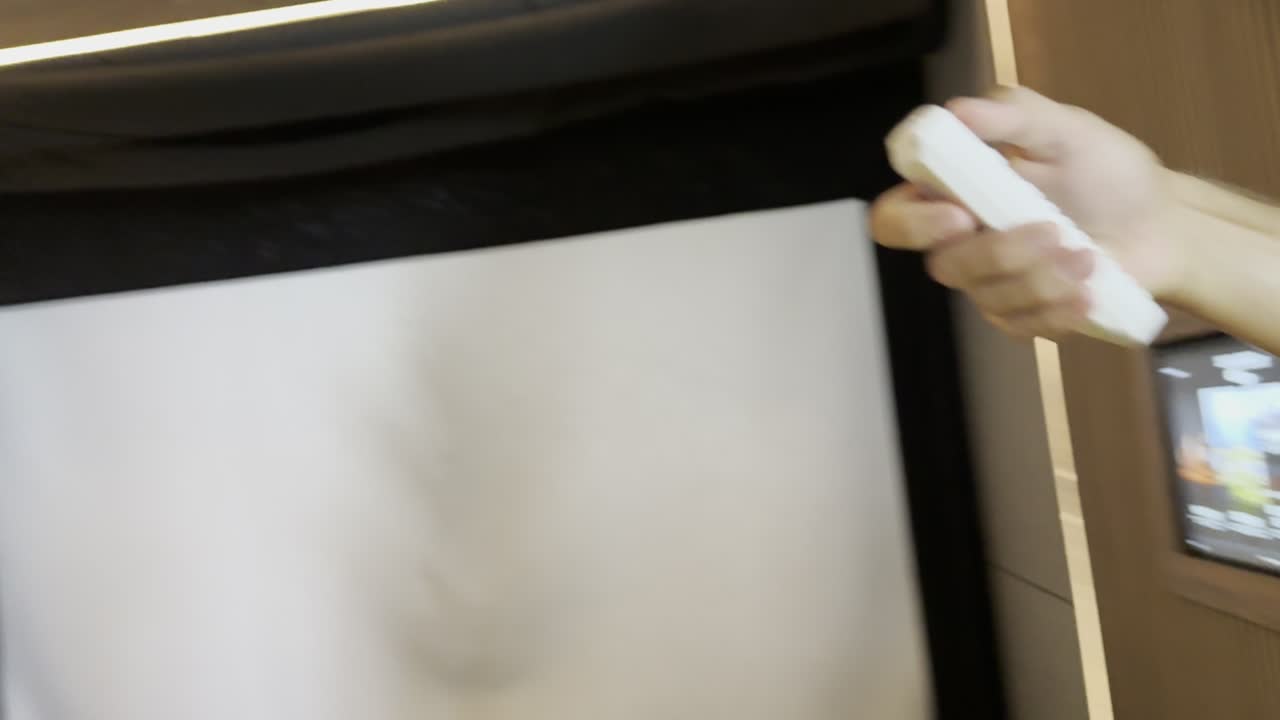
- The little light on the projector turns green. Green means it's waking up; give it 60 seconds.
- The picture comes back on its own.
- Still dark after a minute? Move to any open bay and call 305-990-0424. Projectors usually need a hands-on fix, so we'll make it right.